The Care, Keeping, and Disposal of Data Backups
Information drives modern business. Companies rely on data to manage customers, track revenue, communicate internally, and plan future growth. When that data disappears, operations can stop immediately. Studies show that many small businesses fail within a year of catastrophic data loss. A data backup is not optional protection — it is operational insurance.
Data backups protect businesses from permanent information loss. Without them, even a minor disaster can become a company-ending event.
Why Data Backups Matter
Digital systems make information accessible, but they also introduce risk. Cyberattacks, natural disasters, hardware failures, and human error can all compromise critical data. Cloud backups provide rapid accessibility, but physical backups provide long-term redundancy.
A comprehensive backup strategy reduces downtime and preserves operational continuity.
More than half of small businesses lack a formal disaster recovery plan. A physical backup — or preferably multiple backups stored off-site — ensures that customer records, payroll data, financial statements, and inventory systems can be restored quickly.
Imagine a server destroyed by fire, flooding, or mechanical failure. Without backup data, businesses cannot invoice customers, access payment records, or resume communication. With a backup in place, recovery becomes manageable rather than catastrophic.
How Many Backups Should You Have?
Industry best practice follows the 3-2-1 Rule:
- Three total copies of your data
- Stored on at least two different types of media
- With at least one copy stored securely off-site
The 3-2-1 Rule increases data redundancy and minimizes single-point failure risk.
Many organizations back up data weekly, but daily backups provide stronger protection. Storage devices should be maintained in climate-controlled environments and tested regularly to ensure the integrity of stored data. Electronic media degrades over time, and untested backups can create a false sense of security.
Safe Disposal Requires Physical Destruction
Eventually, backup devices reach end-of-life. Hard drives fail. Storage becomes outdated. Retired devices often still contain sensitive information.
Deleting files does not eliminate recoverable data. Formatting a drive does not erase digital traces. Data recovery tools can often retrieve erased files.
Physical destruction permanently eliminates recoverable digital data.
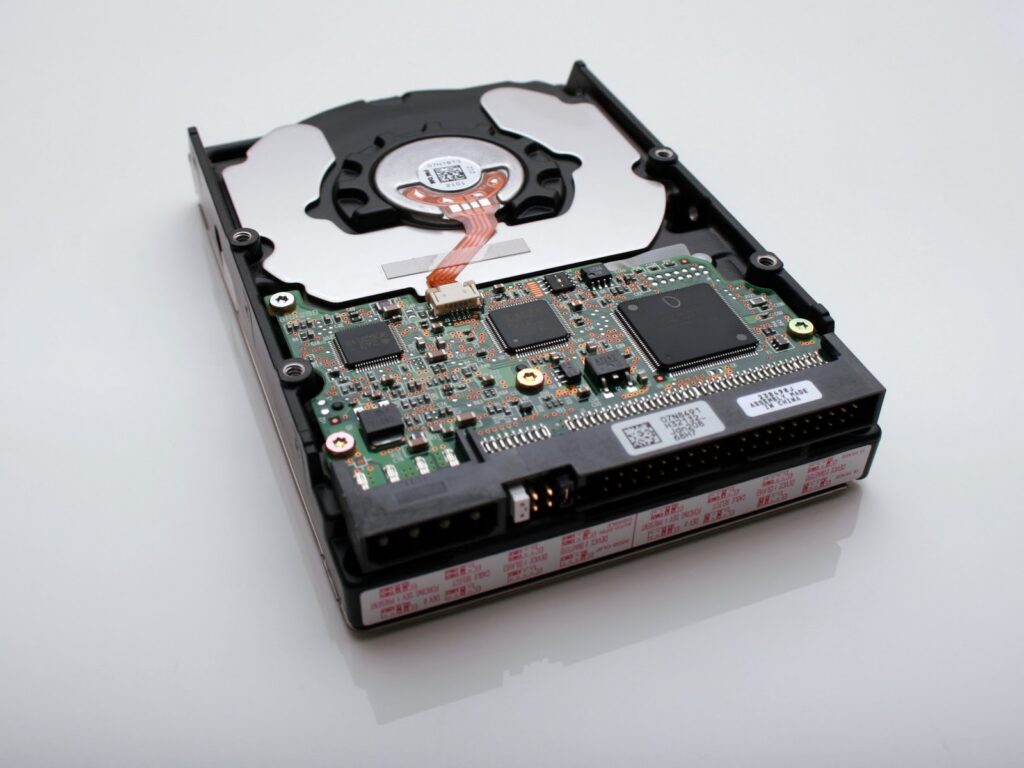
Hard drive shredding destroys the internal platter of a drive, making reconstruction impossible. After destruction, components are separated and responsibly recycled.
Secure Shredding and E-Recycling provides certified hard drive shredding services that guarantee irreversible data destruction.
Learn more about our hard drive destruction services here:
https://secureshreddingandrecycling.com/hard-drive-destruction/
Responsible Disposal Supports Sustainability
Retired electronic media should never enter landfills. Improper disposal releases hazardous materials into the environment.
Secure Shredding and E-Recycling combines secure data destruction with environmentally responsible e-waste recycling.
Our process ensures:
- Complete physical destruction of data-bearing devices
- Compliance with industry security standards
- Responsible downstream recycling of materials
If you also need paper records destroyed alongside backup media, explore our document destruction services here:
https://secureshreddingandrecycling.com/document-destruction/
Protect Data From Creation to Disposal
Data protection does not end when a device stops working. Secure lifecycle management includes proper storage, documented backup procedures, and certified destruction when equipment is retired.
Secure Shredding and E-Recycling helps businesses protect data at every stage of its lifecycle.
For more information about secure data destruction and hard drive shredding services, call (225) 751-8535 or contact us online at:
https://secureshreddingandrecycling.com/contact/


